Hey everyone! It’s been quite a long, but thanks to @Kyuyrii work, we were able to update the snap to the next major version and MuseScore 4.6.0 is now in the latest/candidate channel for amd64 & arm64 archs; unfortunately armhf & i386 are not supported anymore:
sudo snap install musescore --channel=candidate
Some interfaces need to be connected manually:
sudo snap connect musescore:alsa
sudo snap connect musescore:removable-media
But most of the application functionality should work without them.
This is a major release, so, if you’re a user of the application or even if you just want to poke at it, I’d love some help putting it through its paces! Specially, if you can try printing from MuseScore and reporting if you were successfull or it failed, that would be great!
Please let me know if you run into any issues.
6 Likes
ndyer
December 10, 2025, 5:58pm
2
Thanks for doing this! I use MuseScore a fair bit, and it’s great to see the snap package being updated.
I have an issue with a lack of audio. When you click play, the playback cursor freezes in the first bar, no audio is output, and the message
ALSA lib seq.c:935:(snd_seq_open_noupdate) Unknown SEQ hw
keeps being output every few seconds.
MIDI input seems broken as well: “No device”
Audio works fine on the 4.6.3 AppImage from the MuseScore website.
Printing worked fine.
pachulo
December 24, 2025, 4:05pm
3
Hi! Thanks for testing!
One question: did you manually connect the alsa interface, right?
sudo snap connect musescore:alsa
tbss1
December 31, 2025, 6:36pm
4
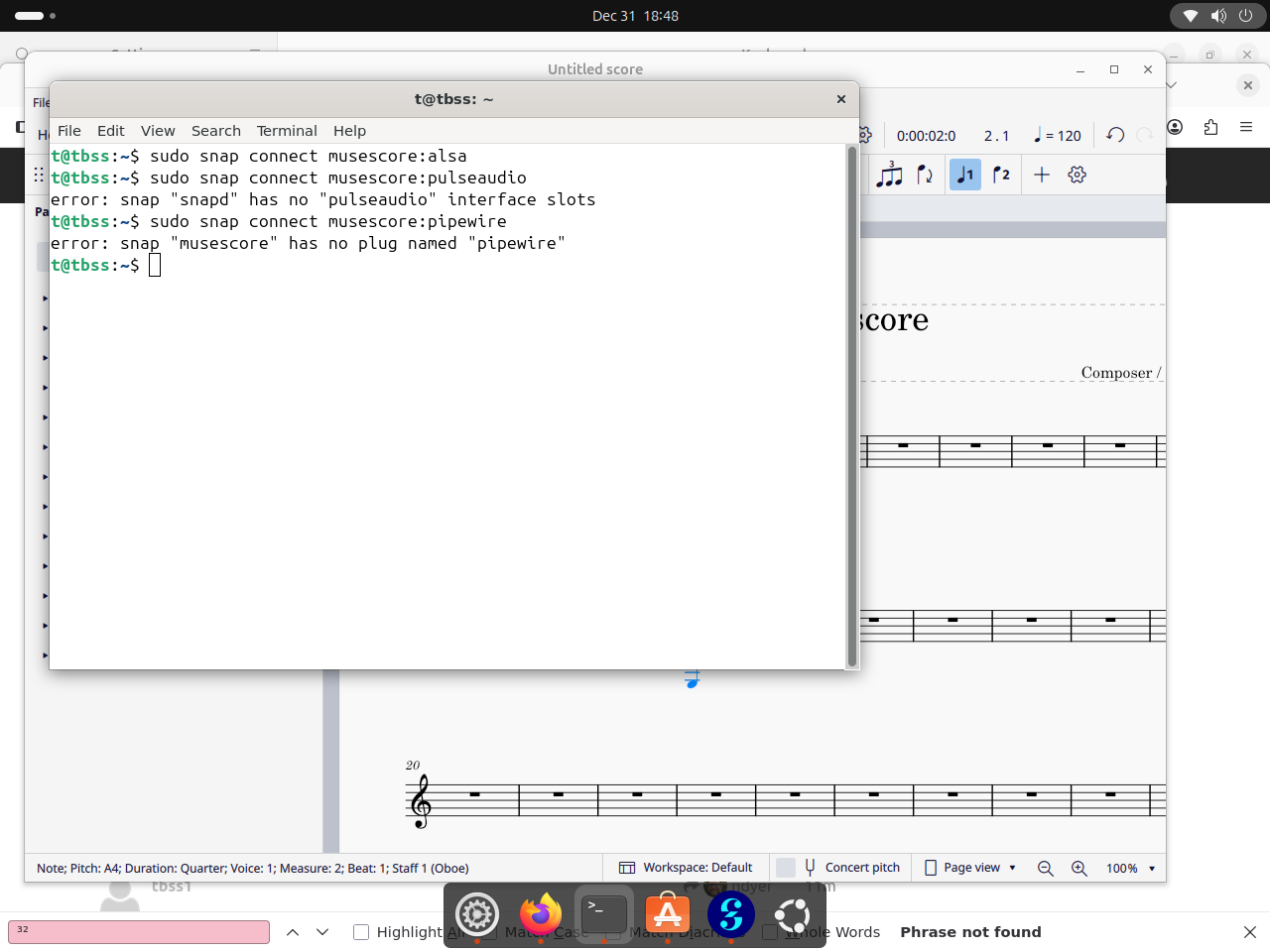
i have the same error
using pipewire with the experimental ubuntu core desktop
yes, experimental
ingolf
January 6, 2026, 6:54am
6
Hi,
same issue here on Ubuntu 22.04.5 LTS:
no audio
playback cursor does not move
In addition to the message reported by @ndyer , there was
12:07:04.307 | INFO  | main_thread     | audio::IAudioDriver> makeLinuxAudioDriver | Using audio driver: ALSA
ALSA lib dlmisc.c:339:(snd_dlobj_cache_get0) Cannot open shared library libasound_module_pcm_pulse.so (/usr/lib/x86_64-linux-gnu/alsa-lib/libasound_module_pcm_pulse.so: cannot open shared object file: No such file or directory)
12:07:04.312 | ERROR | main_thread     | AlsaAudioDriver::open | Unable to open device: default, err code: -6
12:07:04.312 | ERROR | main_thread     | AudioModule::setupAudioDriver | audio output open failed
(Audio API currently set to “ALSA Audio”; keeping the default PipeWire fails in the same way)
I did
sudo snap connect musescore:alsa
sudo snap connect musescore:removable-media
before starting.
snap list musescore
Name       Version  Rev  Tracking          Publisher   Notes
musescore  4.6.0    234  latest/candidate  musescore✓  -
Apart from this issue, Musescore is quite useful to me. Thanks a lot!
Ingolf
Hi! I’ve created this issue in my GitHub repo, to see if @Kyuyrii can help us.
2 Likes
OK, thanks to @Kyuyrii (again!) we have a new build on the latest/beta channel, which should solve this and also bumps MuseScore to the 4.6.5 version.
Can you test that one and see if everything works fine?
Thanks!
1 Like
ingolf
January 8, 2026, 6:35am
9
Hi, @pachulo and @Kyuyrii ,
I confirm that audio output/playback works with the latest/beta as in
Name       Version  Rev  Aufzeichnung  Herausgeber  Hinweise
musescore  4.6.5    236  latest/beta   musescore✓   -
Thanks a lot!
Ingolf
2 Likes
pachulo
January 13, 2026, 9:23pm
10
Can you retry the tests with the new version @ndyer & @tbss1 ? Thanks!
tbss
January 13, 2026, 11:39pm
11
Sorry, to try i need to use the ubuntu core desktop
In short, the experimental version
But i’m using in kde linux and in thisnmomment works better tham appimage and flatpak
ndyer
January 21, 2026, 3:31pm
12
Audio playback now works, on the current candidate 4.6.5.
MIDI is still broken.
Edit: I ran it in debug mode, and am seeing AlsaMidiInPort::connect | Connected to -1
which implies that it’s trying to connect, running through this function, and finding a code path where the connection has failed but no good error message was output.
                      return make_ret(Err::MidiFailedConnect,  "failed connect, err: " + std::string(snd_strerror(err)));
                  }

                  m_deviceID = deviceID;
                  ret = run();
              } else {
                  m_deviceID = deviceID;
              }

              if (ret) {
                  LOGD() << "Connected to " << m_deviceID;
              }

              return ret;
          }

          void AlsaMidiInPort::disconnect()
          {
              if (!isConnected()) {
                  return;
              }
ndyer
February 4, 2026, 11:16am
14
I’m still getting “unknown SEQ hw” and “No device” using the latest/candidate, revision 238.
With latest/stable:
Segmentation fault (core dumped)
This is on 25.10 questing, by the way - although I’ve seen the same segfault for a while.
pachulo
February 4, 2026, 9:49pm
15
OK, so I guess it’s fine to push this to the stable channel then.
1 Like