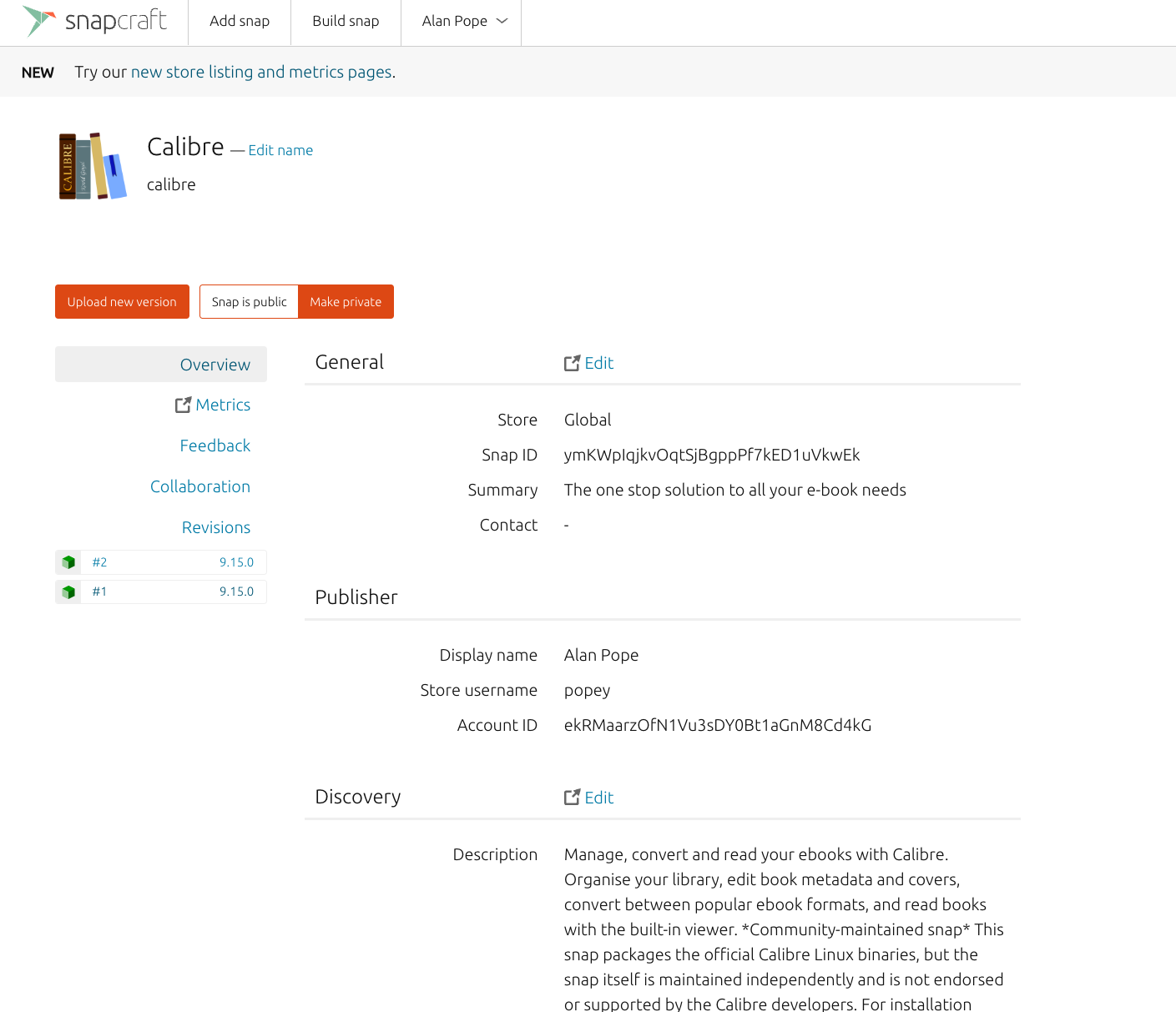
Now I have uploaded a new version but I still can’t make the snap public, even though the upload went fine.
It says: “Your Snap is in the queue for manual review. When approved, you will receive an email, and you will be able to change the visibility of your Snap.”
It will usually tell you why it’s in manual review. That will tell you what you need to so, which could be any one of a bunch of things. For example you might need a dbus name registered, or a privileged interface connected. Go to https://dashboard.snapcraft.io/ sign in, and find your snap, click on a revision that’s blocked, and scroll down. They’re broken down as warnings and failures.
Are any of them something other than a green box? If there’s a lot of revisions, you may need to scroll a long way to find the first one that failed, with every revision after that refusing to scan, until the problem with the oldest failed one is resolved.